

You’ve got a new DSLR – congratulations! Have 500 new Instagram followers immediately. You now need to know the basics of using a DSLR.
Sure, you can leave the settings on automatic and style it out by looking really intensely at the screen while you repeatedly enter and exit the menu to make it look like you’re pressing all the buttons. But someday someone is going to find you out.
Half way around the dial there’s the mysterious, promised land of ‘manual mode’. What is this madness? Fear not, let me show you the absolute basics and point you where to look next for step two.
TL;DR manual mode on a DSLR
- Shutter speed: A high shutter speed means less blur in your image but you’ll let in less light
- Aperture: A high f-stop means more of your image will be in focus but you’ll let in less light
- ISO: A high ISO means you’re using more of the light in the image but it might become grainy
The basics of using a DSLR
In order to use manual mode there’s three key concepts to understand:
All three factors are inter-dependent on each other. This means that if you change one setting you’ll probably need to change the other two to compensate, usually to control the amount of light you’re using.
You’ll need to find the buttons to use on your camera to control these three settings.
It’s starting to get complicated but I’ll break down the three settings in manual mode the basics of using a DSLR below.
Just to be powerfully predictable, let’s start with the first on the list; shutter speed.
Shutter speed
Shutter speed controls how much definition or blur you want in your photo.
This is how quickly your shutter stays open when you take a picture. The longer your shutter is open for, i.e. the slower your shutter speed, then the more light you will let in. If you have a slow shutter speed then you are less likely to need your ISO up high as you’ll already be catching light.
However, the slower your shutter speed then the more likely it is that your pictures are going to be blurred. That’s ok if you want to capture the blur to show speed of movement in your image, like the night trails of headlines or a sports team in full flow.
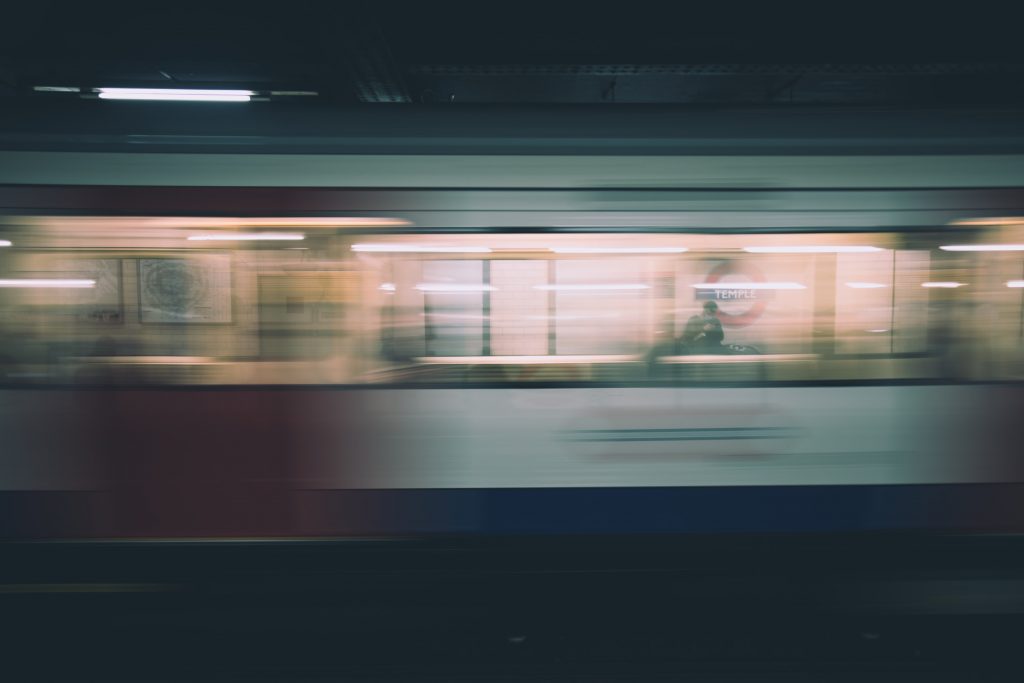
But if you want your photos with crystal clarity and high definition then bring the shutter speed up really high so everything is captured in a blink of an eye.
Check out Adobe’s guide to shutter speed for more information.
Aperture
Aperture also controls the ‘depth of field’, which means how much of the image is in focus.
Primarily, your aperture is the size of the opening that lets in the light when you take the photo. It’s measured in ‘f-stops’ and conversely a higher f-stop means a smaller opening.
With a smaller opening you’ll be letting in less light, so if you have a high f-stop you’ll need either a slower shutter speed or higher ISO. Yet the real benefit of aperture is the effect on the depth of field.
With a high f-stop you’ll also have a wide depth of field. You’ll ensure everything in the foreground, mid-point and background of your photo is in focus. With a low f-stop and a wider opening you’ll be letting in more light but you’ll blur the foreground and background. That can be pretty cool as it really puts the emphasis on the subject of your photo but distorting what’s around it.
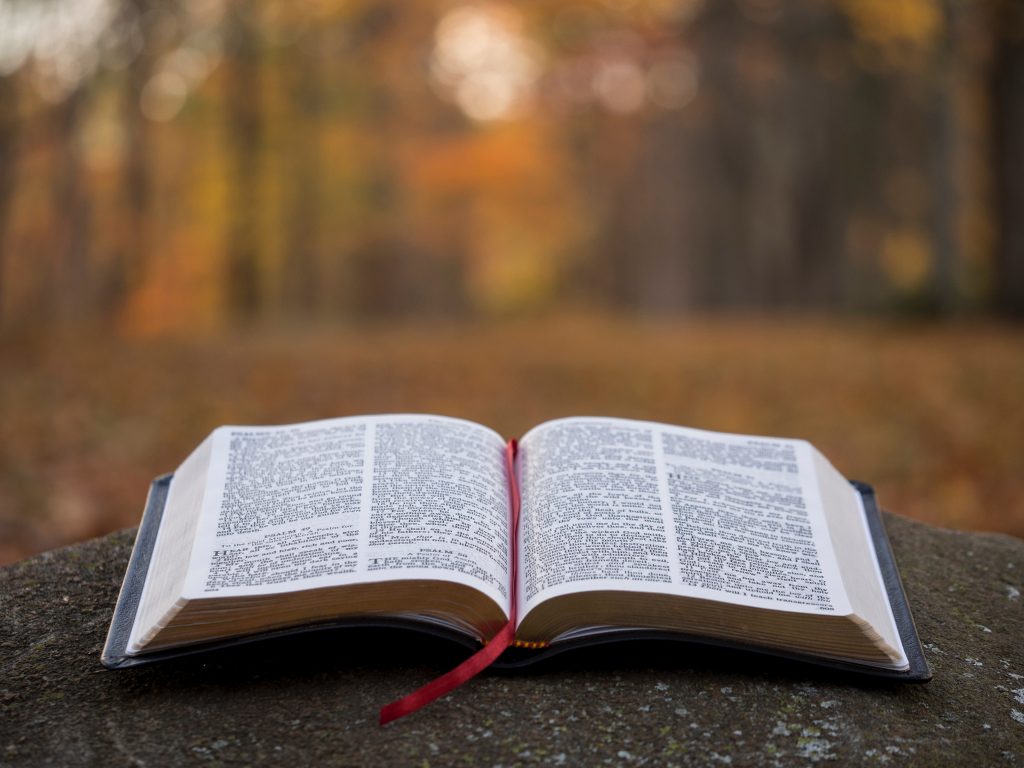
But you guessed it, with a low f-stop/wide opening you might need a quick shutter speed otherwise you will flood the exposure with light and oversaturate it.
This guide on shotkit.com explains aperture in greater detail.
ISO
ISO controls how sensitive your camera is to light.
ISO stands for International Organization of Standards. That’s correct. The words are in that order. Given ISO is a global concept that acronym then makes more sense in languages other than English. But don’t worry about it, the acronym isn’t important.
You’ll likely have ISO increments to choose from with 100 being the lowest setting you can choose. The lowest setting has the lowest light sensitivity. Use the lowest setting in broad daylight, or well-lit rooms, where your camera lens will already be receiving a lot of light. You won’t need a high ISO as you won’t need to capture much light.
Whack your ISO up to the higher settings in dark situations, so your camera ‘retains’ as much of the light as possible.
Here’s the trick: You need to get it on the sweet spot. If you have your ISO too low when there’s not much light then your picture might be too dark. But if you have your ISO too high when there is a lot of light then your picture might be too saturated.
Plus… When you’re in the higher settings there is the chance that your photo will become grainy as you try and get lots of light in it. So, you want your ISO as low as possible whilst the picture remains well-lit.
Blogger davemorrow.com shows you how to use ISO in greater detail.
The basics of using a DSLR
As you can see, the settings are dependent on each other and affect the amount of light in your image.
For example; if you want a crisp photo then you’ll want a high shutter speed for clarity, a high f-stop for a bigger depth of field but you’ll probably also need to increase the ISO as you’re not letting much light in.
You now have the basics of using DSLR, go forth and shoot some photos!